Alarm clock type
5 Best Projection Alarm Clocks: Ratings & Room-Fit Guide
Read the time from bed without turning toward a bright clock face. Compare projection alarm clocks by focus, separate light controls, alarm schedules and backup behavior, then find a model that fits your room.
The decision first
Which projection alarm clock fits the job?
Start with Magnasonic EAAC601 for a focus wheel and AM/FM waking. Compare Dr.Prepare 005 and SMARTRO SC91 for weather readings, weekday/weekend alarms and separate projector brightness. If you want atomic time plus adjustable focus, examine the BALDR B0367STHR Atomic. Need an explicitly documented sounding backup alarm? Check Wattz 2.0 before prioritizing the projected image.
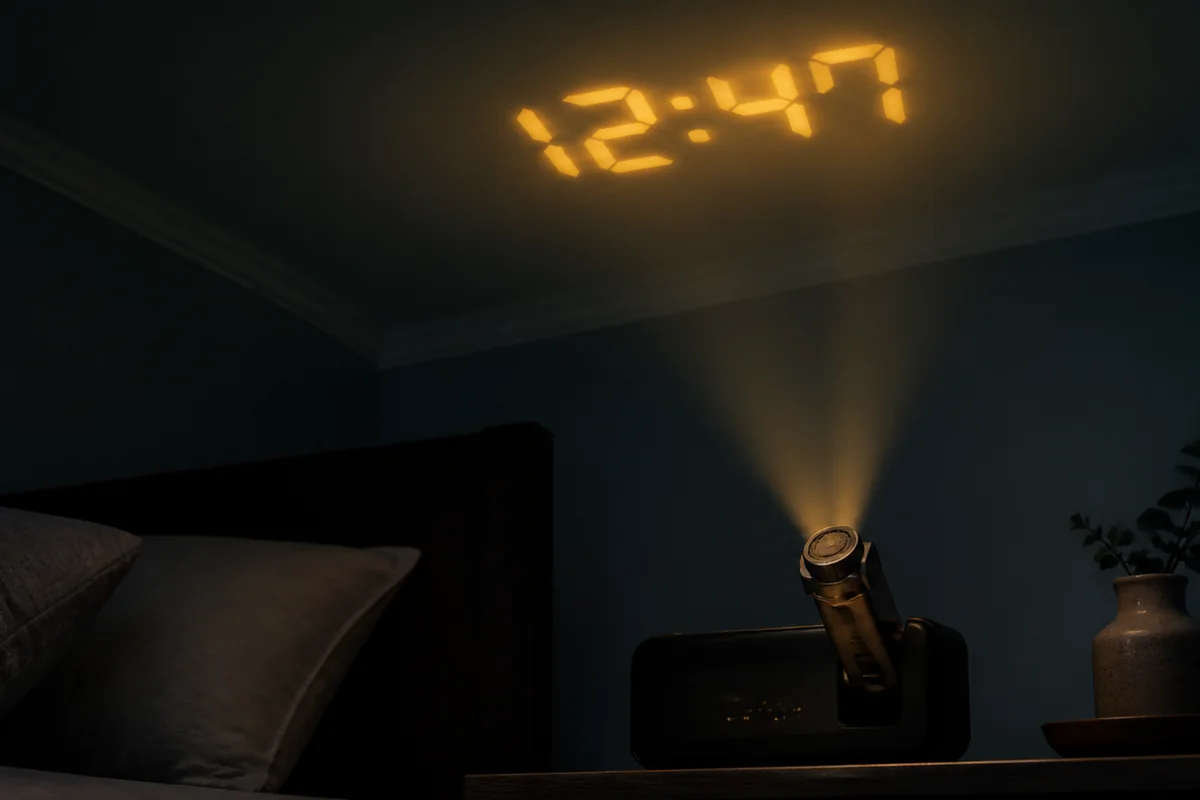
For less bedside information, compare Braun BC15BUS with La Crosse 616-1412V4: Braun offers battery-powered clock and alarm operation, while the La Crosse adds a focus control and time-only projection. Mesqool CR1024 is worth a look for two scheduled alarms, a focus wheel and separate projector dimming, but its manual does not establish a fully off bedside display. A higher total score does not make these differences disappear.
First choose the projection surface and measure from the proposed clock position. Then check focus, physical aiming and image orientation separately. Finally, decide what must remain available without mains power: stored settings, a sounding alarm, temporary projection or continuous projection. Those are four different requirements.
TOPCLOCKS research-based ranking
5 Best Projection Alarm Clocks: the shortlist
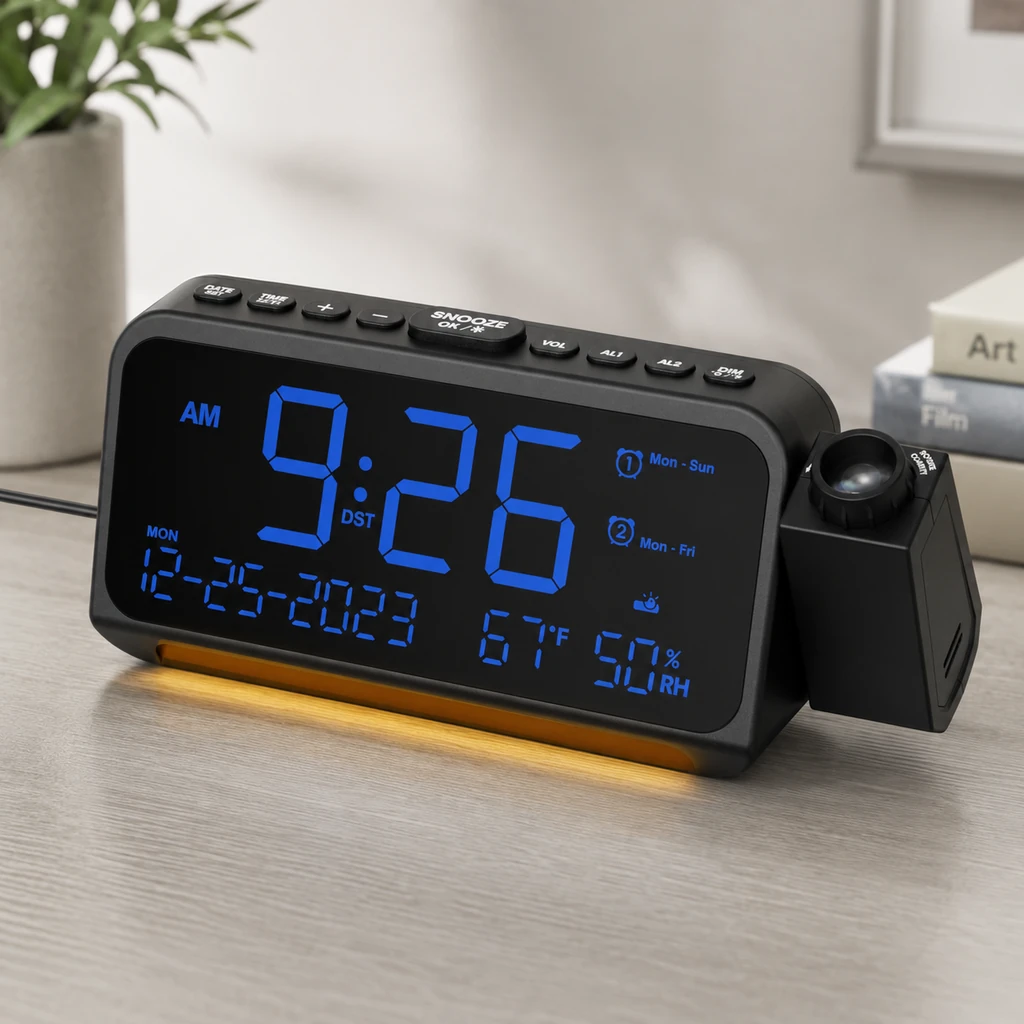
Mesqool CR1024
8.7/10TOPCLOCKS research-based scoreCurrent offer
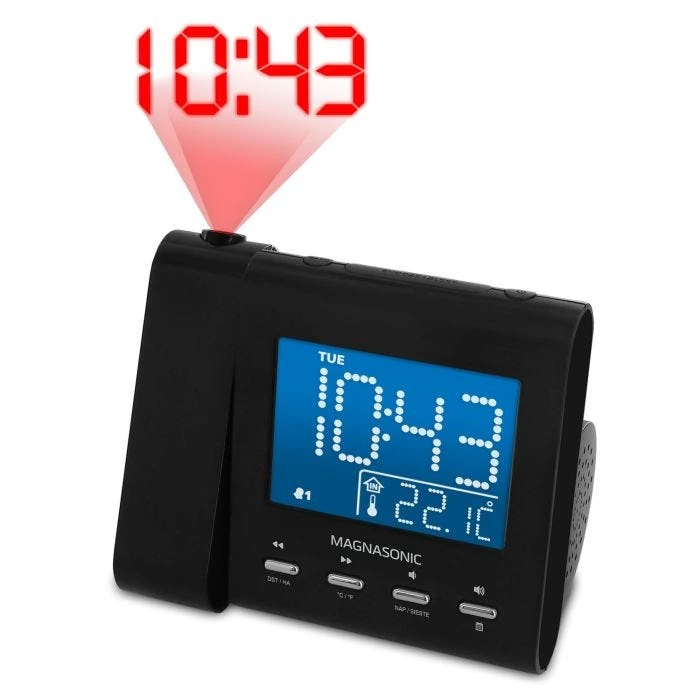
Magnasonic EAAC601
8.6/10TOPCLOCKS research-based scoreCurrent offer
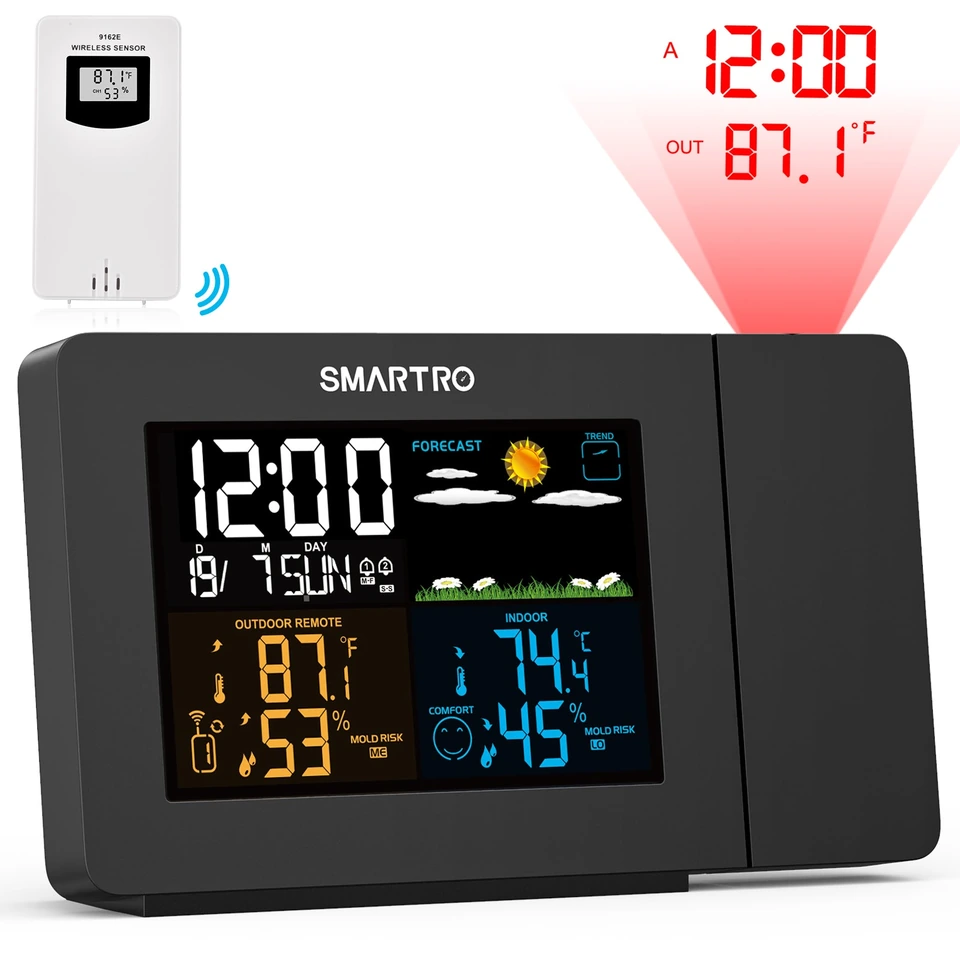
SMARTRO SC91
8.5/10TOPCLOCKS research-based scoreCurrent offer
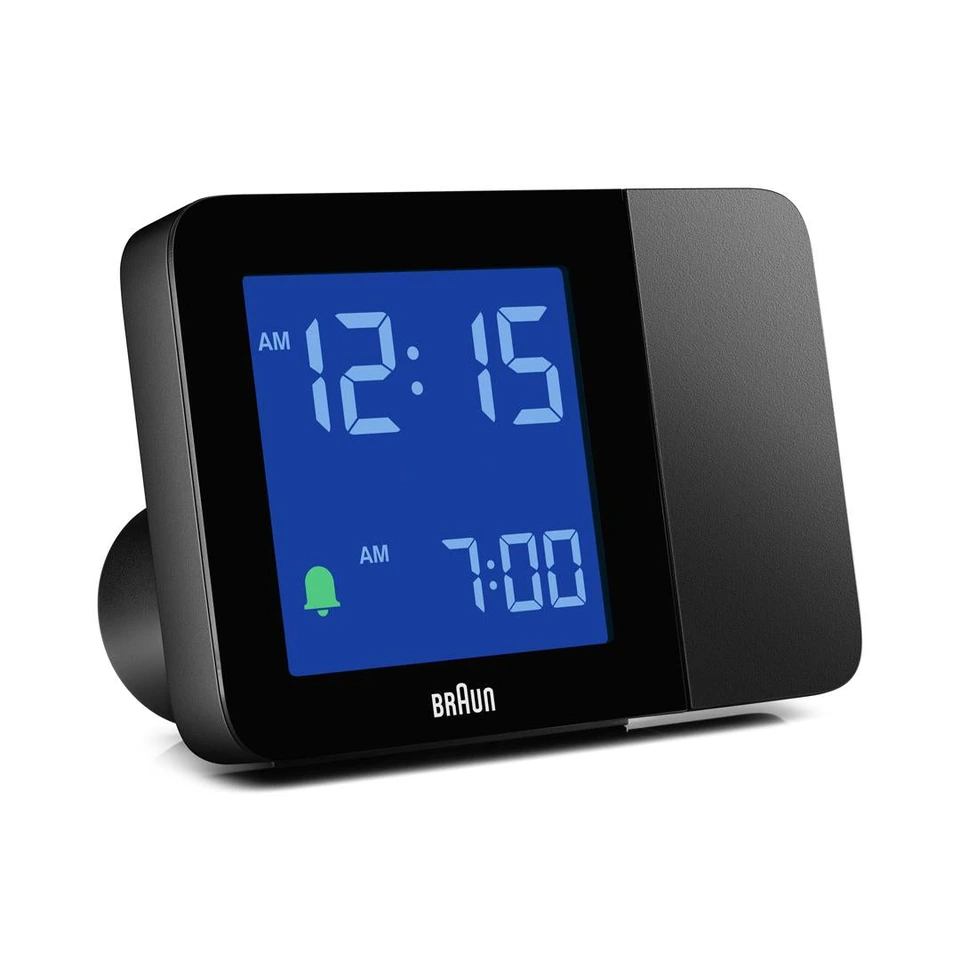
Braun BC15BUS
7.1/10TOPCLOCKS research-based scoreCurrent offer
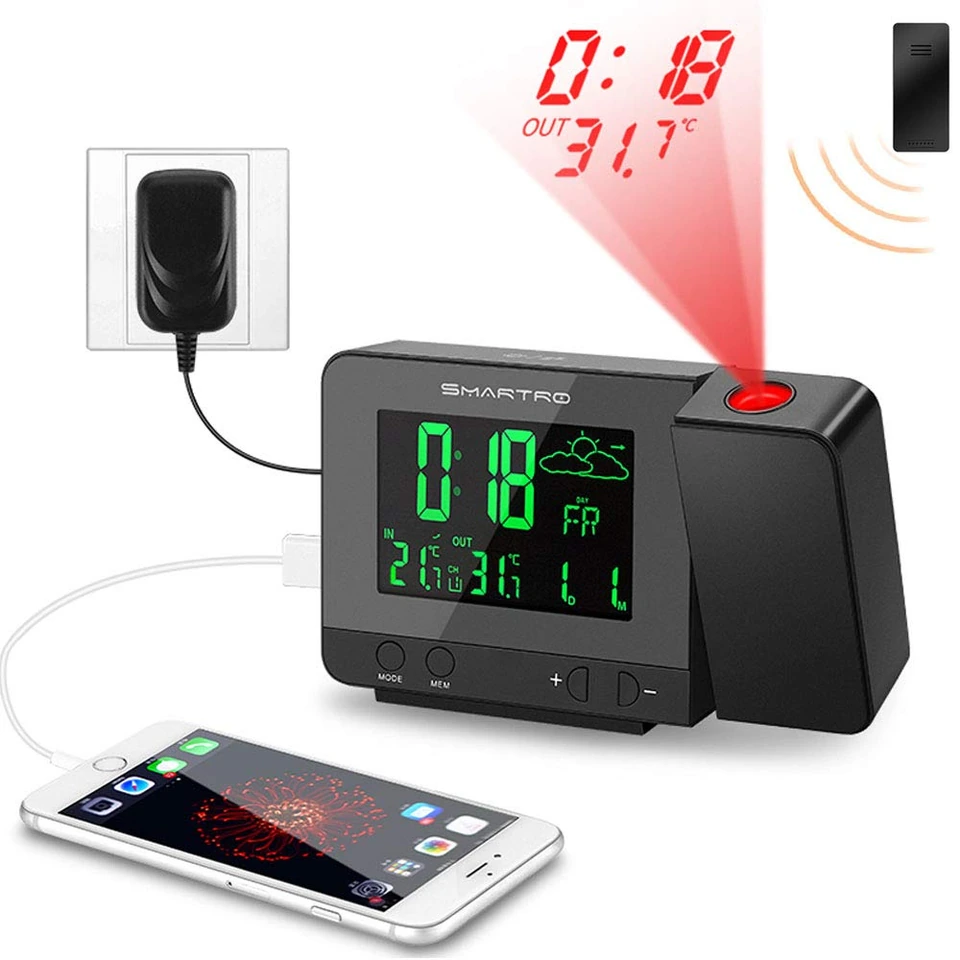
SMARTRO SC31B
7.1/10TOPCLOCKS research-based scoreCurrent offer
Compare the whole bedside clock
Compare projection, alarms and power at a glance
The table separates manufacturer specifications from missing information. “Not documented” means the checked source does not settle the point; it is not a failed test or proof that the feature is absent. Distance figures are manufacturer guidance for dark-room use, not measured guarantees. A large bedside screen does not establish projected digit size.
Open the complete model comparisonAll 5 models ranked: images, TOPCLOCKS scores, controls and power.Show details
| Rank | Image | Model | TOPCLOCKS score | Focus / distance | Aim / orientation | Night lighting | Alarm / time | Power / backup |
|---|---|---|---|---|---|---|---|---|
| #1Rank | 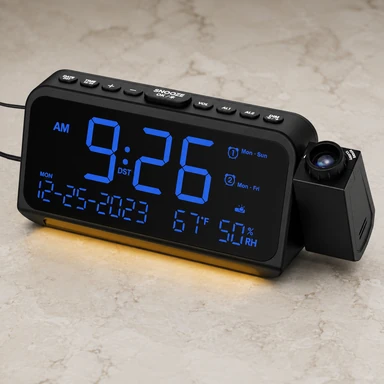 |
Mesqool CR1024Full controls | 8.7/10Current offerScore details | Manual focus 1.5–3.0 m | 180° digit flip Physical swivel claims conflict | Separate projector DIM/on-off LED: five levels; off unverified | Two alarms; day / one-time modes 9-min snooze; seven volumes | External power required 2 AAA: settings only |
| #2Rank | 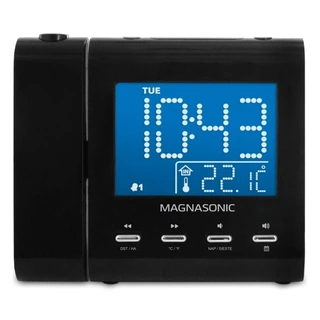 |
Magnasonic EAAC601Full controls | 8.6/10Current offerScore details | Manual focus Approx. 3–9 ft | 180° arm Separate 180° image flip | LCD: high/low/off Projector: on/off, no dimmer documented | AM/FM or buzzer; two schedules 9-min snooze; preset time | 120 V AC; settings backup Outage-alarm sources conflict |
| #3Rank | 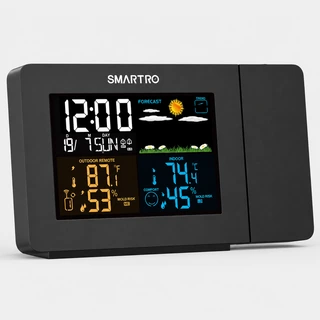 |
SMARTRO SC91Full controls | 8.5/10Current offerScore details | No focus wheel documented 1–3 m | 180° image flip 180° arm movement advertised | Projector: high/low/off LCD: four states incl. off | Two day-scheduled alarms 5–60-min snooze or off | 5 V adapter operates clock CR2032: settings only |
| #4Rank | 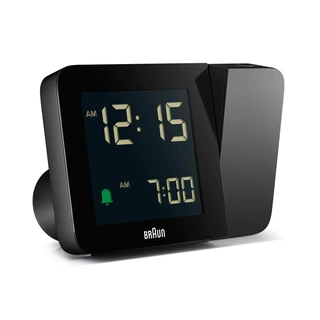 |
Braun BC15BUSFull controls | 7.1/10Current offerScore details | No focus wheel documented 1–4 m | 180° arm 90° image steps | LCD dim/off Projector dimmer unverified | One beep alarm Off slider requires re-arming | 3 AA: clock/alarm + 10-sec viewing AC: continuous light |
| #5Rank | 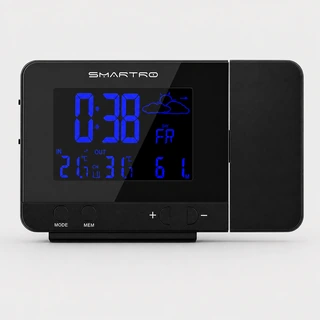 |
SMARTRO SC31BFull controls | 7.1/10Current offerScore details | Focus not documented 1–3 m | 180° image flip Tilt range unverified | LCD: four states incl. off Projector dimmer unverified | Two daily alarms 5-min snooze; manual time | AC for continuous projection AAA: settings + brief viewing; outage sound unverified |
Need the full operating detail behind a short cell? Follow its model link and open Full controls and power notes. The Braun entry concerns BC15BUS with the USA adapter, not the European BC15B-DCF. C82929v2's sold-out official offer is a dated observation, not proof of discontinuation or stock status at every retailer.
Ranked model guides
The ranked models, explained
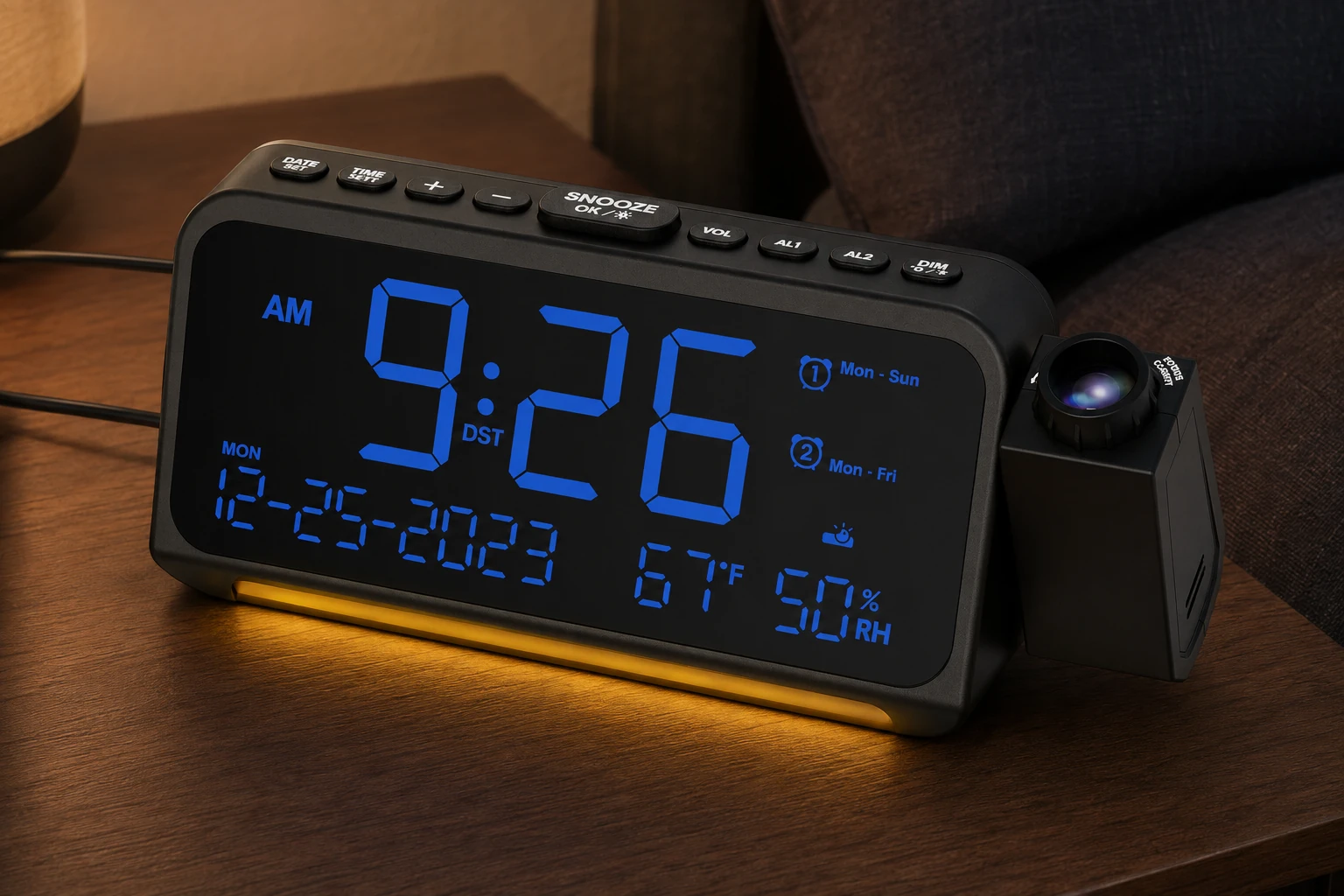
The order matches the comparison above. Open a model for its practical strengths, control details, score calculation and primary sources. Full reviews are linked where they already exist; a different model never borrows their review link. Scores compare documented features, not measured optical performance.
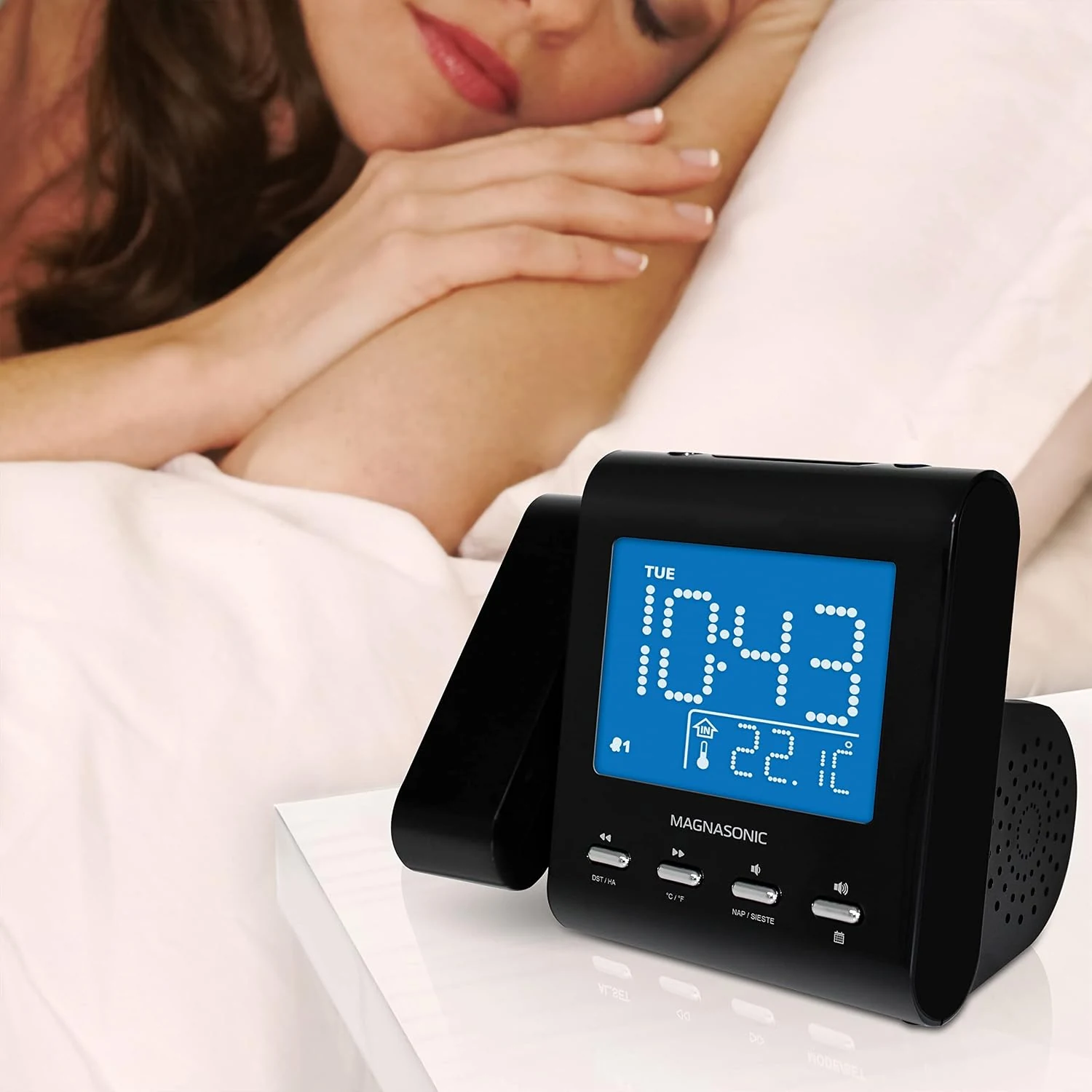
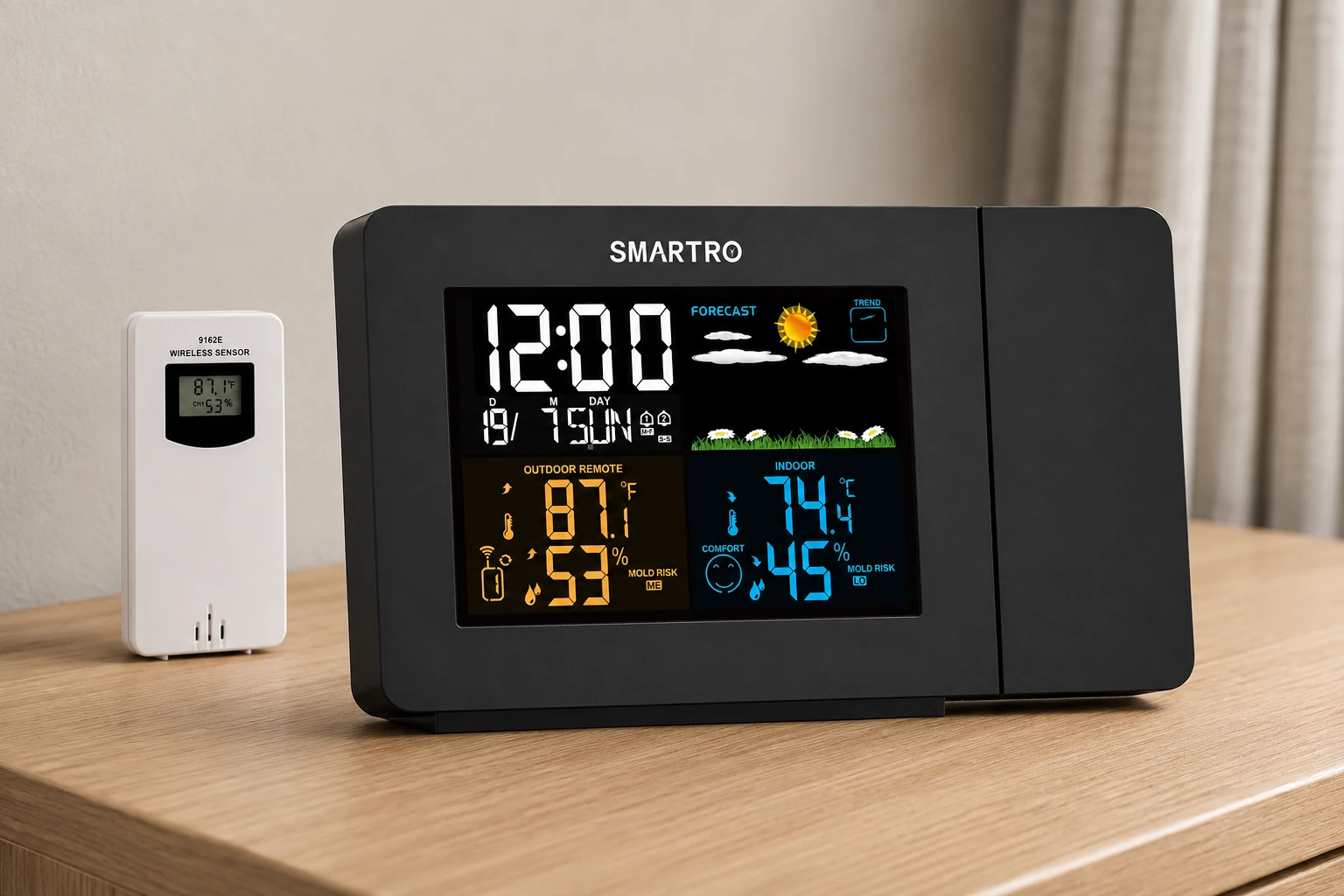
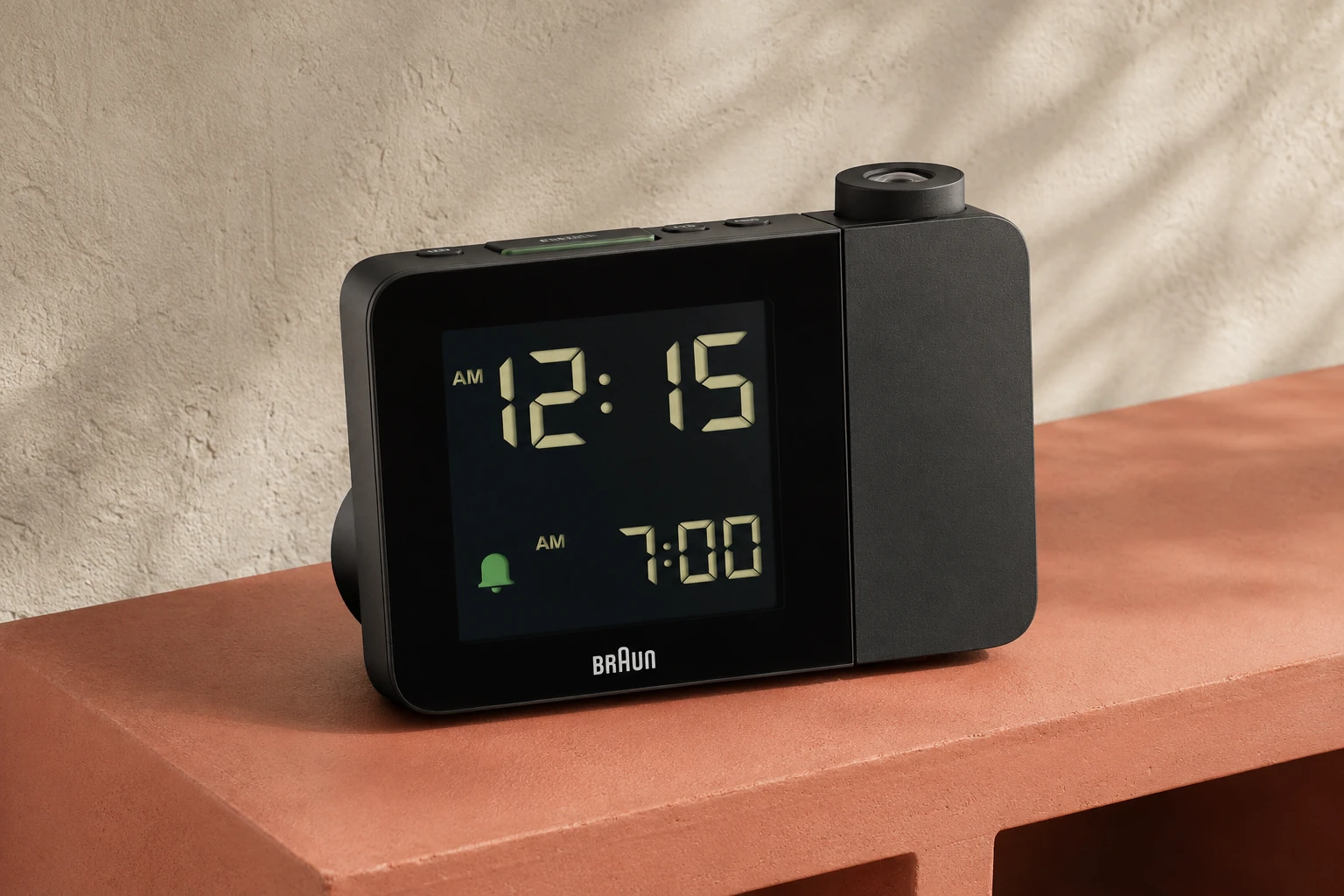
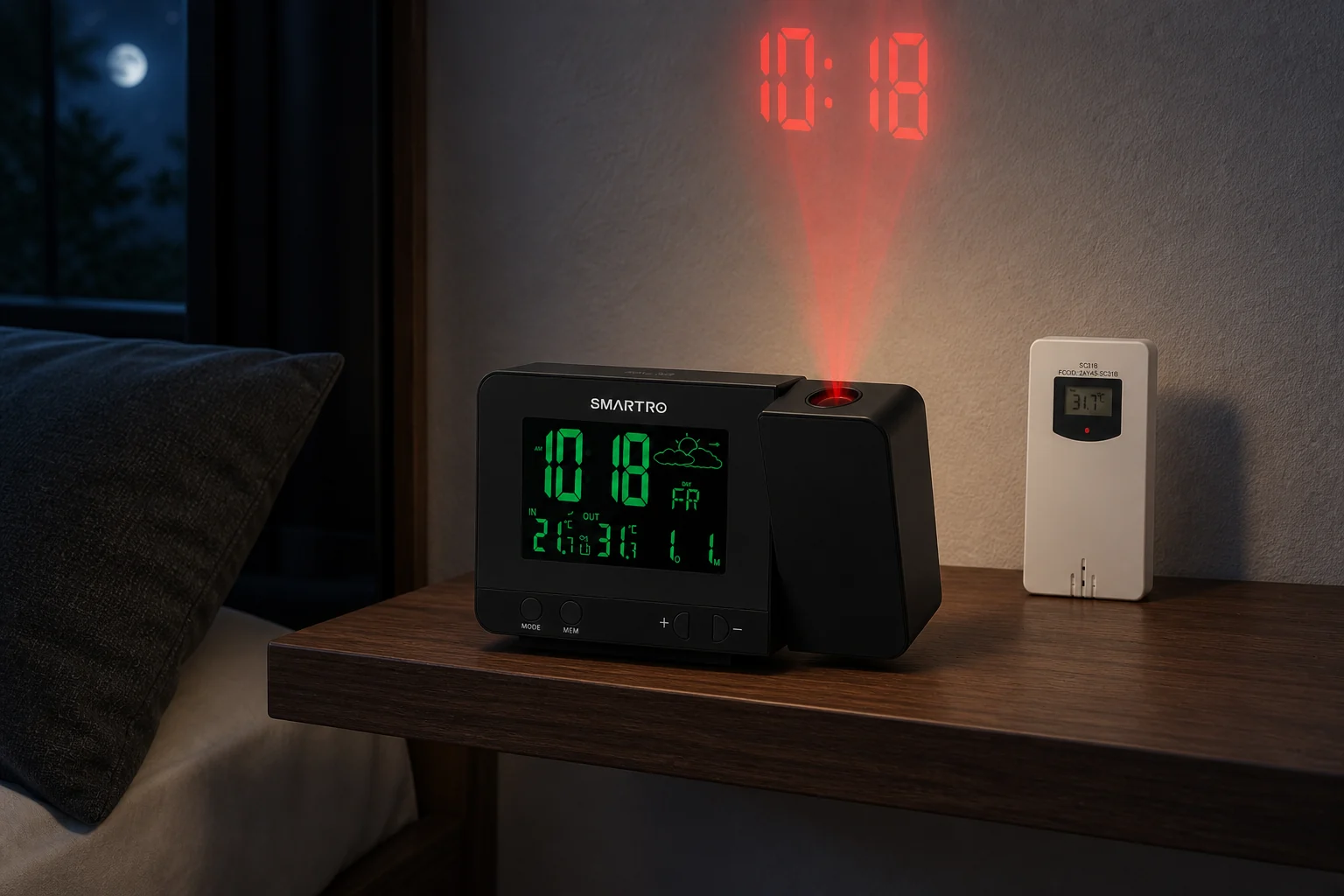
More model guides
Other projection alarm clocks to consider
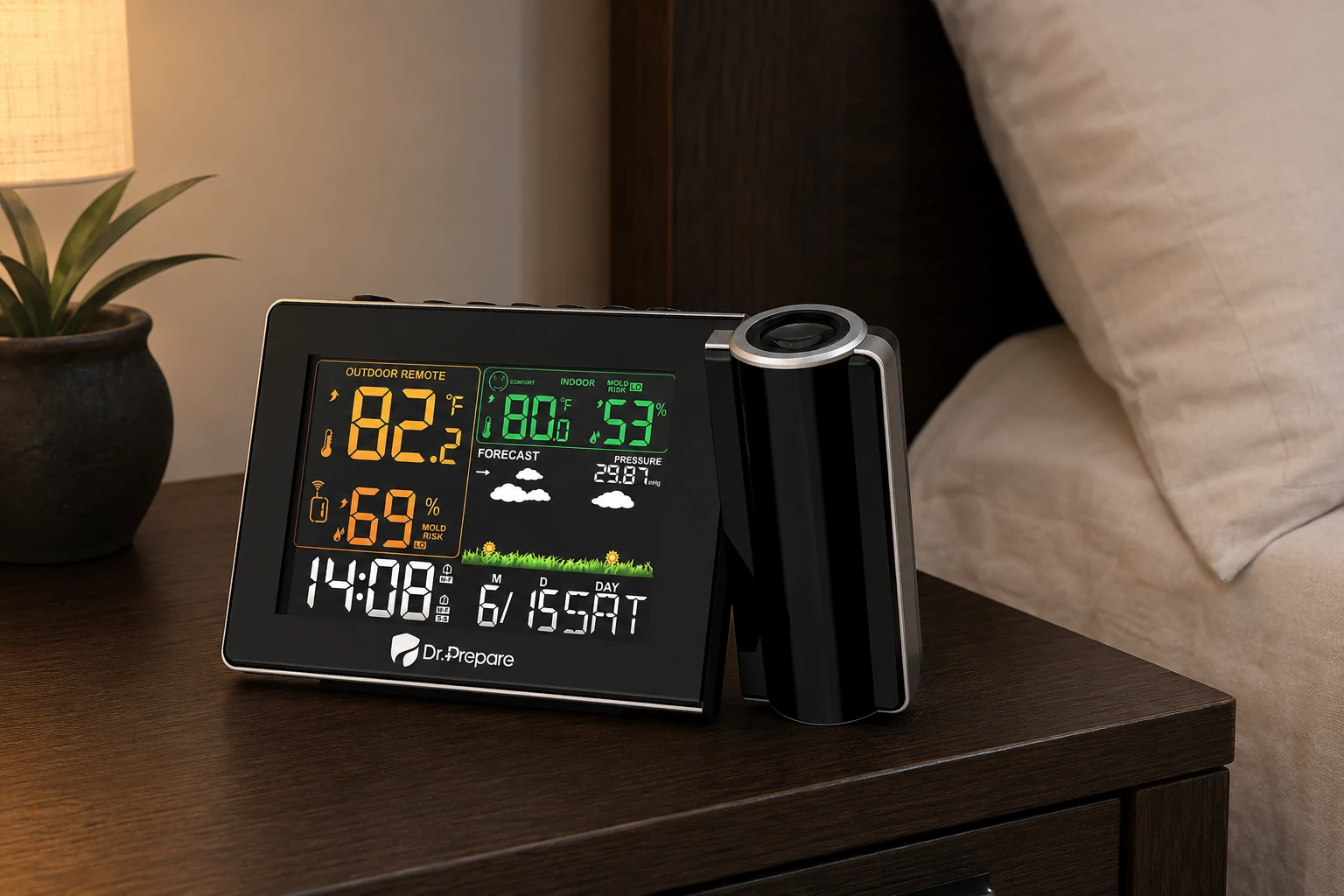
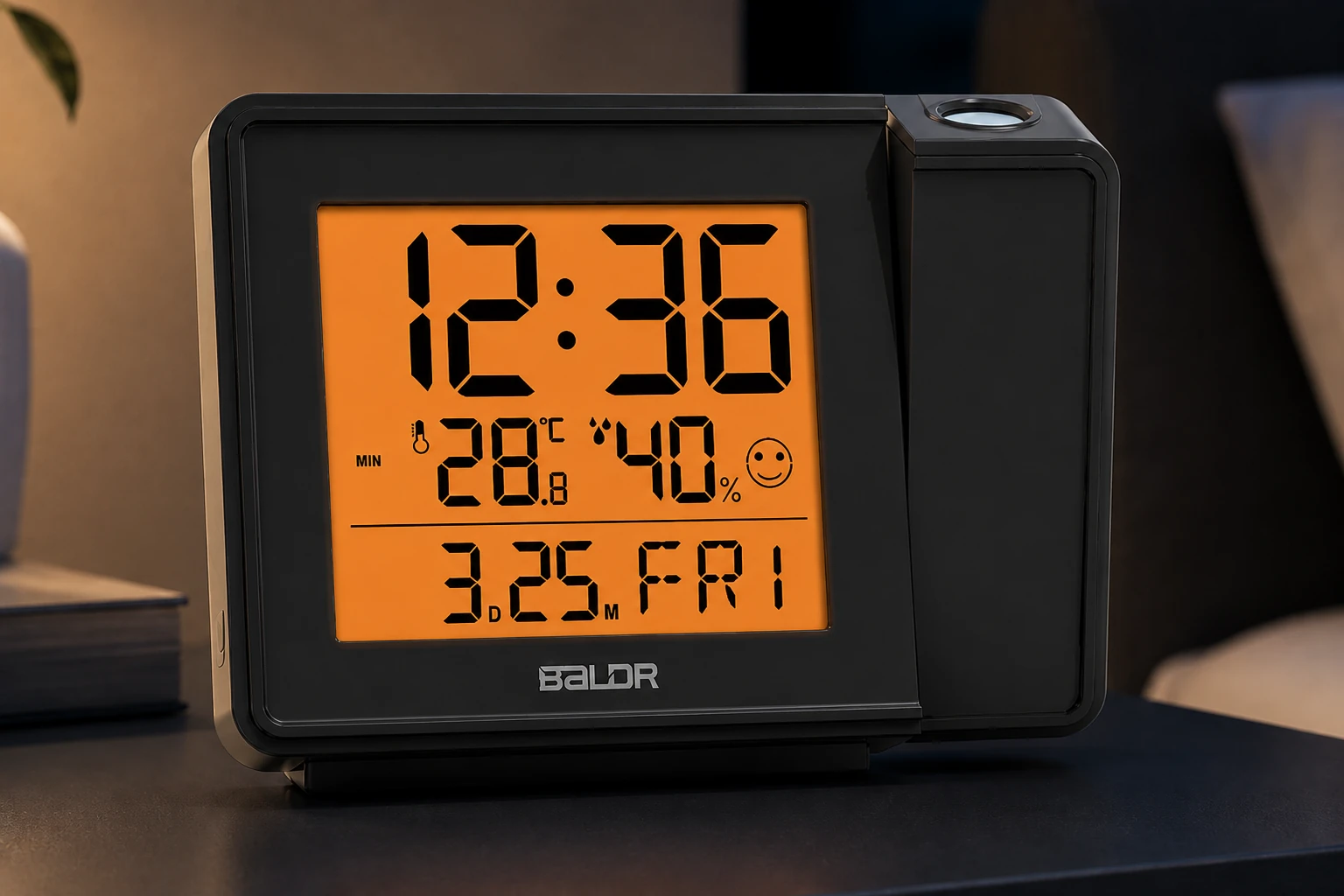
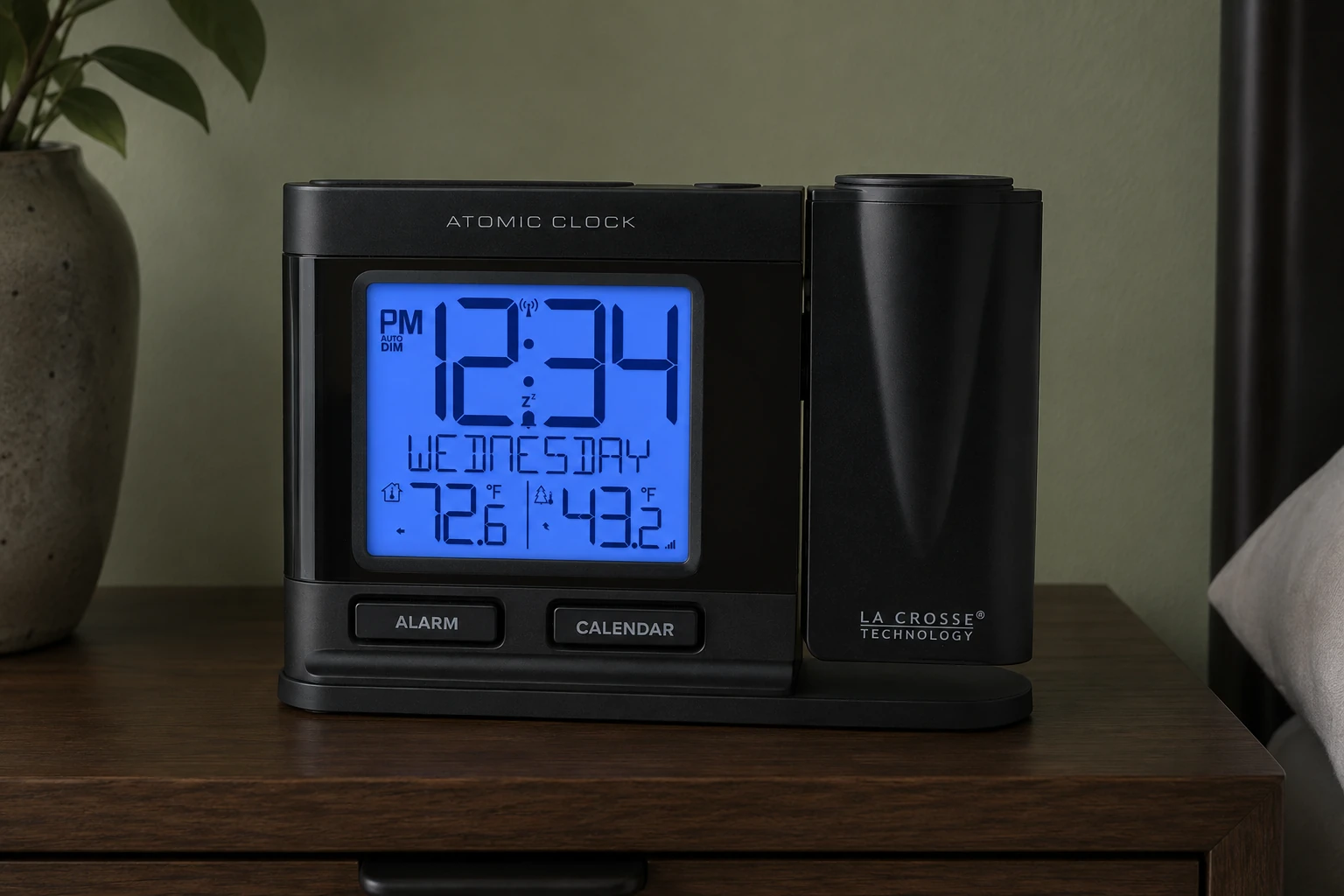
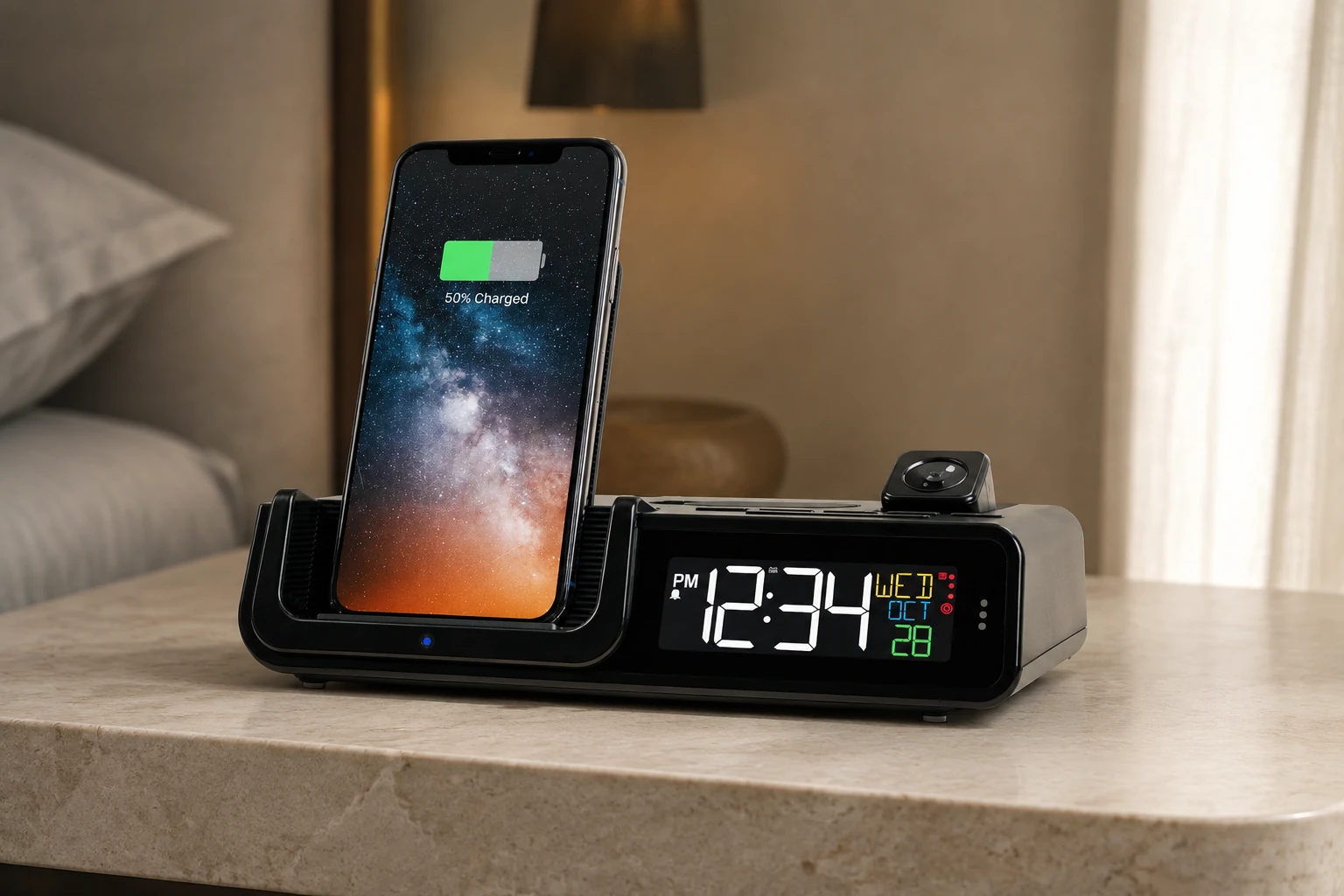
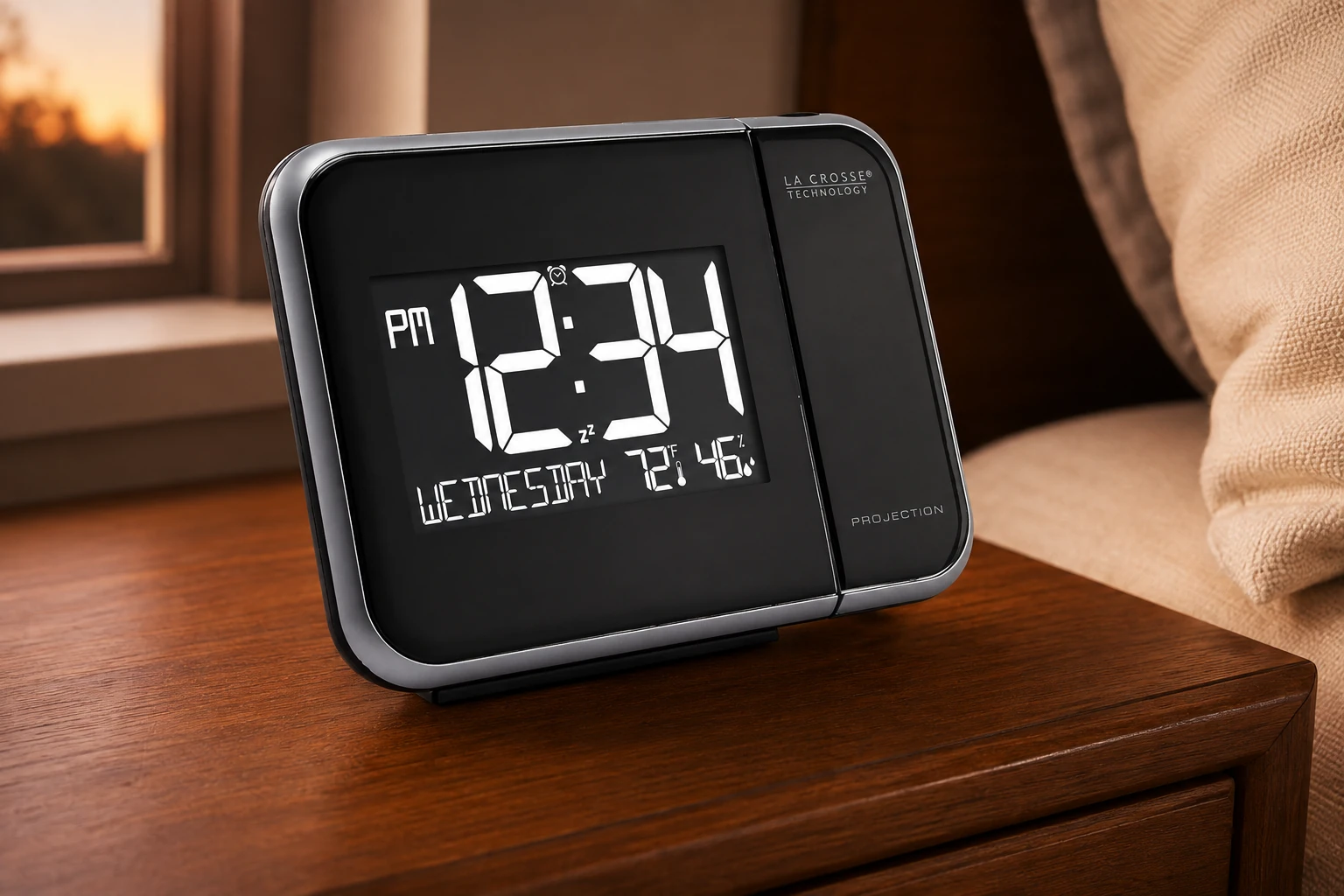
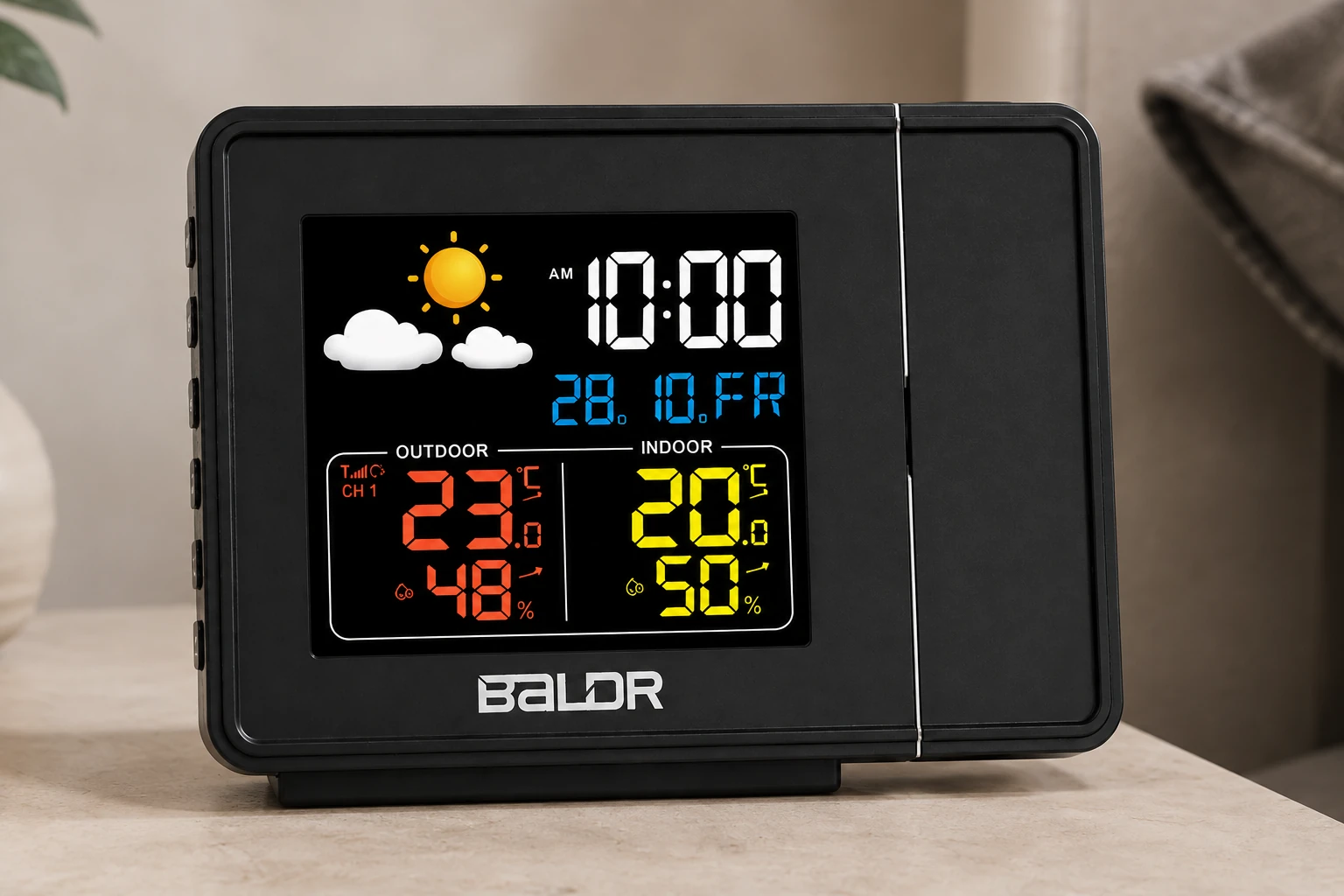
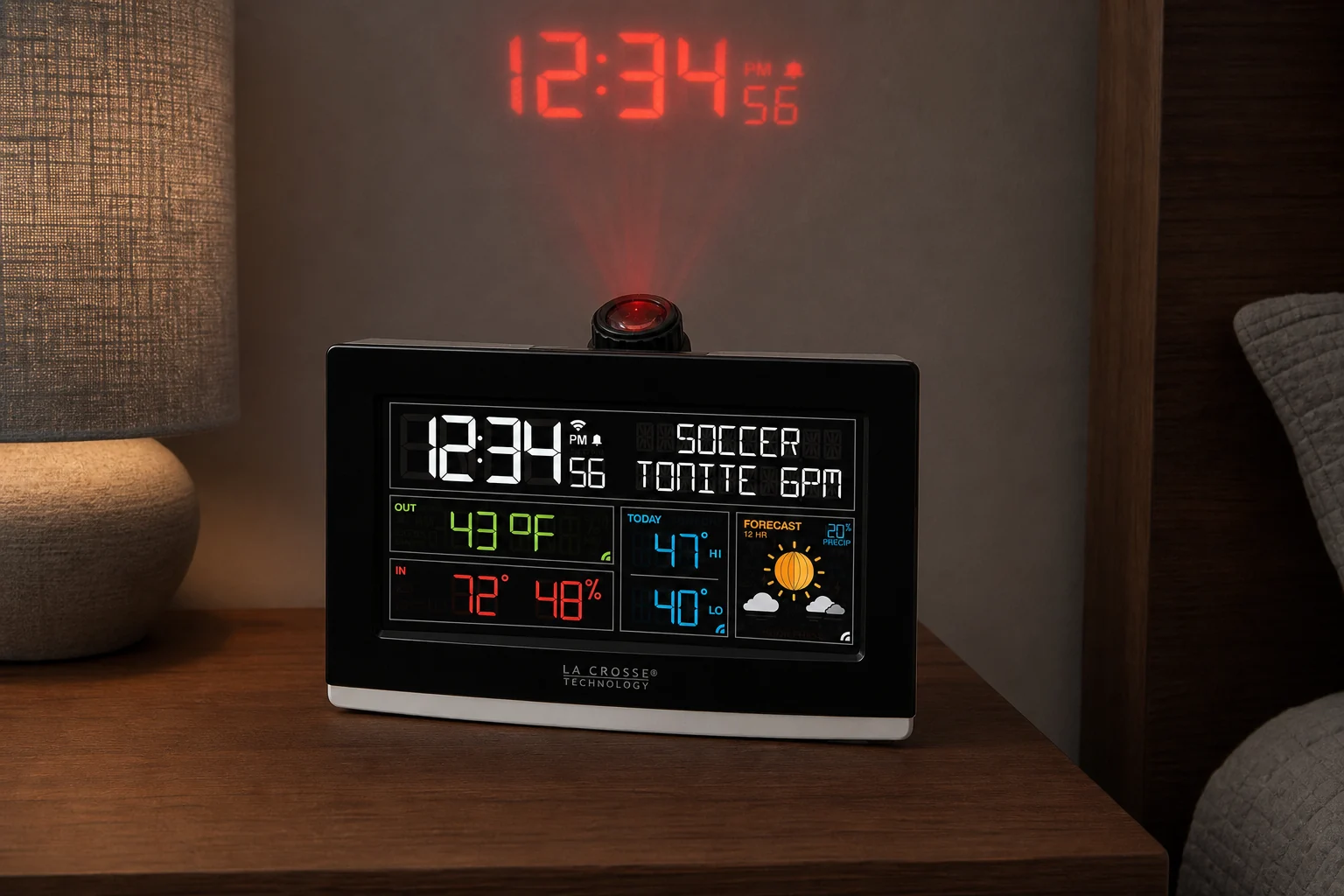
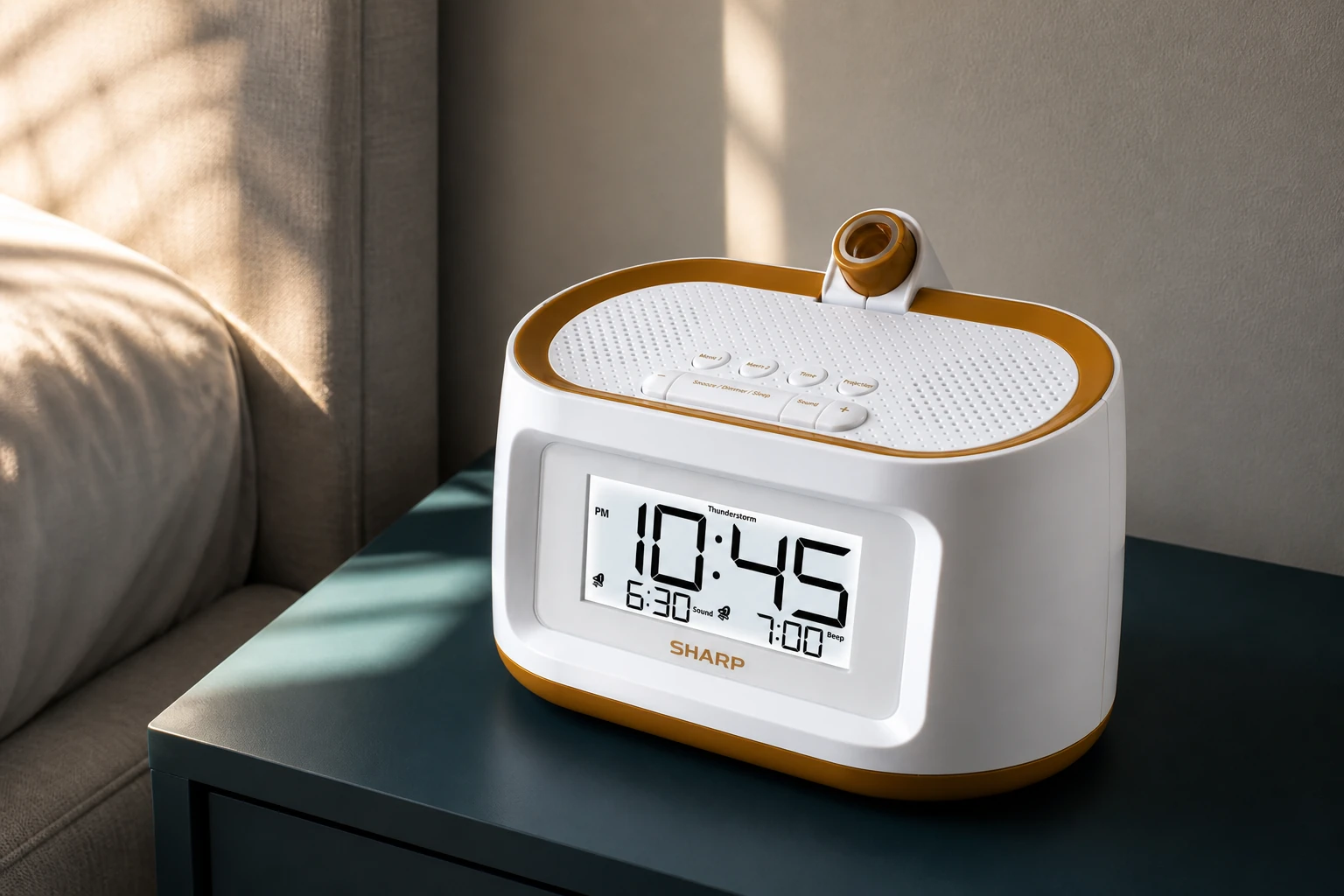
Which model meets your room and alarm needs?
Choose the requirements that matter to you. The results use documented features, not a brightness test or a promise that an alarm will wake you.
Check the current offer before buying. Your choices stay in this browser and are not saved.
Browse these models directly
Nonnegotiable checks
The criteria that can change the answer
Room fit
Measure the clock-to-surface distance and check focus, aiming and image orientation separately.
Light control
Identify which controls change the LCD, the projected digits and any remaining indicators.
Alarm operation
Confirm the actual alarm source, day schedule, volume behavior, stop control and snooze.
Power state
Separate settings retention, sounding alarm, temporary projection and continuous projection.
Start with the surface
Make the projection fit the room
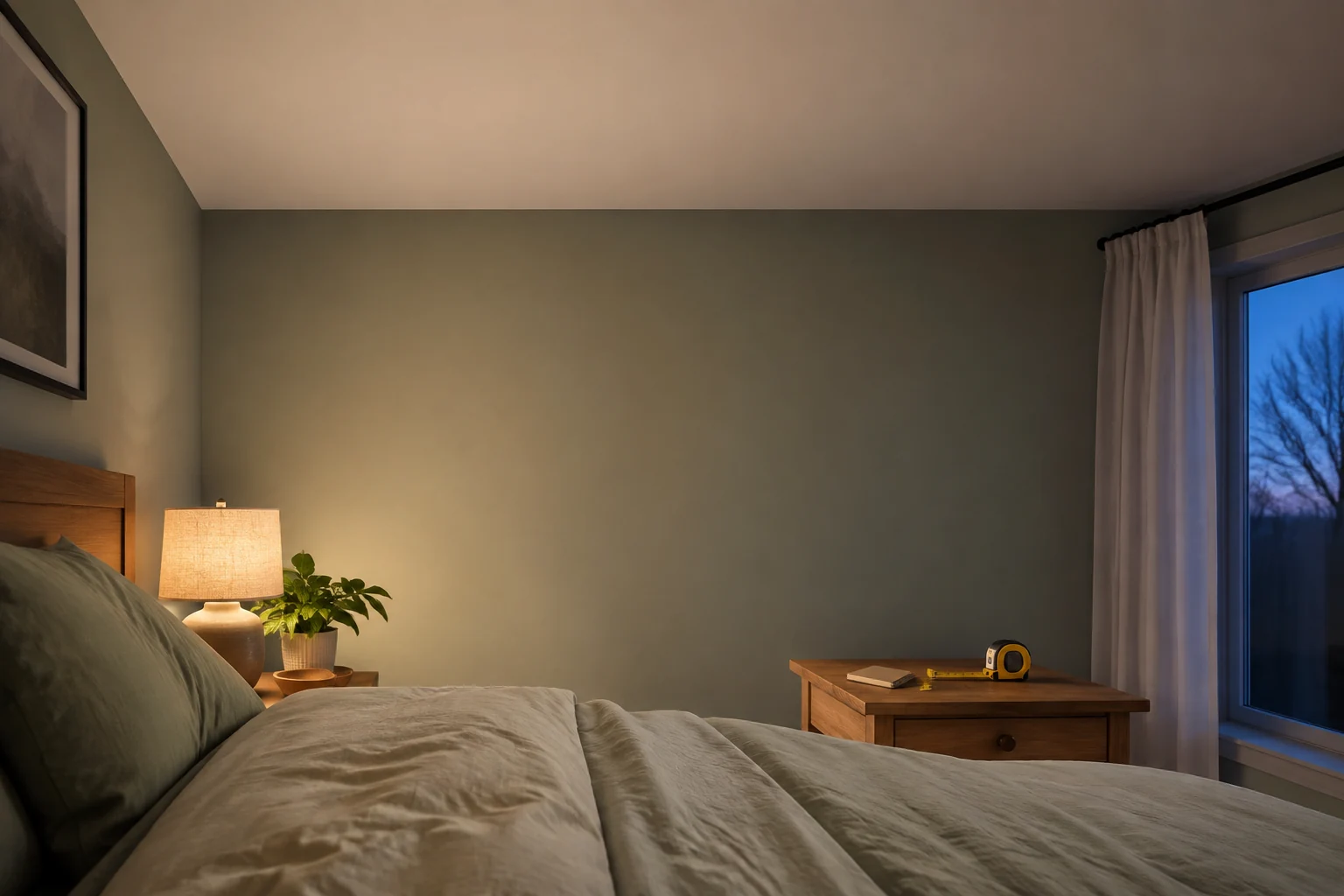
Measure from the planned clock position to the target wall or ceiling, not from the floor. A ceiling-height number alone misses the nightstand position and the direction of the beam. Note sloped ceilings, fans, beams, textured finishes, artwork and furniture that can interrupt the image. Then lie in the usual sleeping position and decide where the digits need to appear.
Four adjustments do different work. Tilt aims the projector. Image rotation or flip corrects the reading orientation. Focus sharpens the digits at the chosen distance. Placement changes the path and available surface. A 180° arm does not necessarily rotate the digits; Braun documents its arm and 90° image steps separately. A fixed-focus unit should not be rejected merely for lacking a wheel, but its documented placement guidance needs to suit the room.
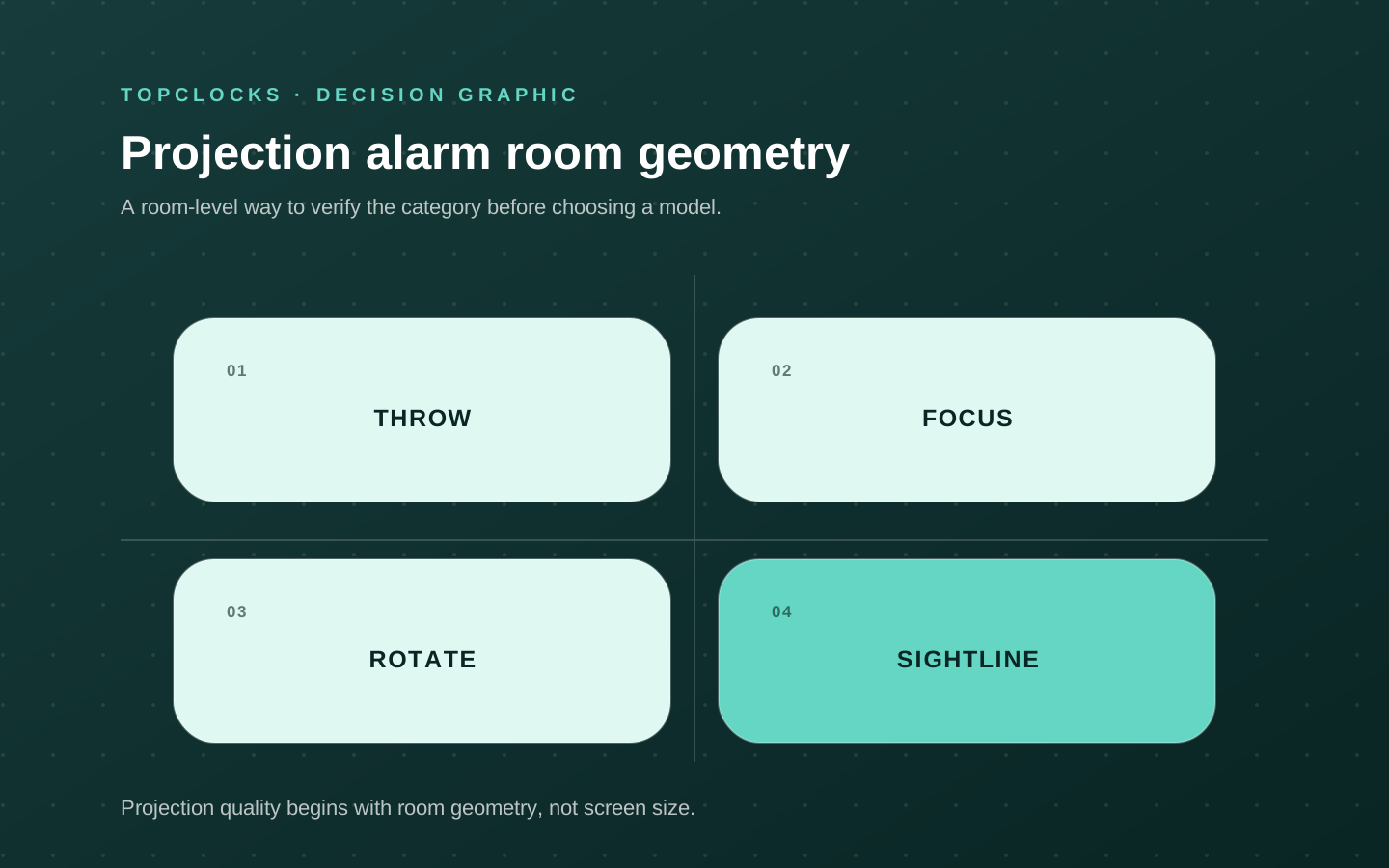
For example, EAAC601 permits manual refocusing within the manual's approximate 3–9 ft guidance. Wattz 2.0 and C82929v2 instead describe their fixed-focus result as best around 7 ft / 2.1 m. Do not transfer that figure to 616-41667V2: its current guide does not establish the same numerical distance. Missing guidance means a room trial or a manufacturer question is needed, not that every distance will work.
A bright catalog image cannot establish digit size, contrast or sharpness on a particular ceiling. If the image is clipped, reversed or difficult to read, correct placement and orientation before increasing brightness. Try an unobstructed wall when the ceiling is awkward. For a shared bed, check the intended viewing position from both sides without putting unwanted light in the other sleeper's sightline.
If there is no stable, readable target within the model's usable adjustment range, choose a different location or a non-projecting clock. Projection should remove a viewing problem, not add a nightly setup task.
Control every light source
Control the screen and the projected digits separately
Count every light source: the ceiling image, LCD backlight, alarm indicator, charging light and any night light. A model can dim its screen well while leaving the projected image too bright. Another can turn projection off but retain a glowing display. The number of advertised brightness levels is less useful than knowing exactly which light each control changes.
SC91's instructions document separate high/low projector brightness alongside LCD settings; SC31B's do not document a projector dimmer. On EAAC601, the documented high/low/off dimmer is for the LCD; the projector has on/off, focus and flip controls, not an established separate dimmer. With Sharp SPC585, the 100%, 70%, 30% and off choices also refer to the main display. Do not assign those percentages to its ceiling image.
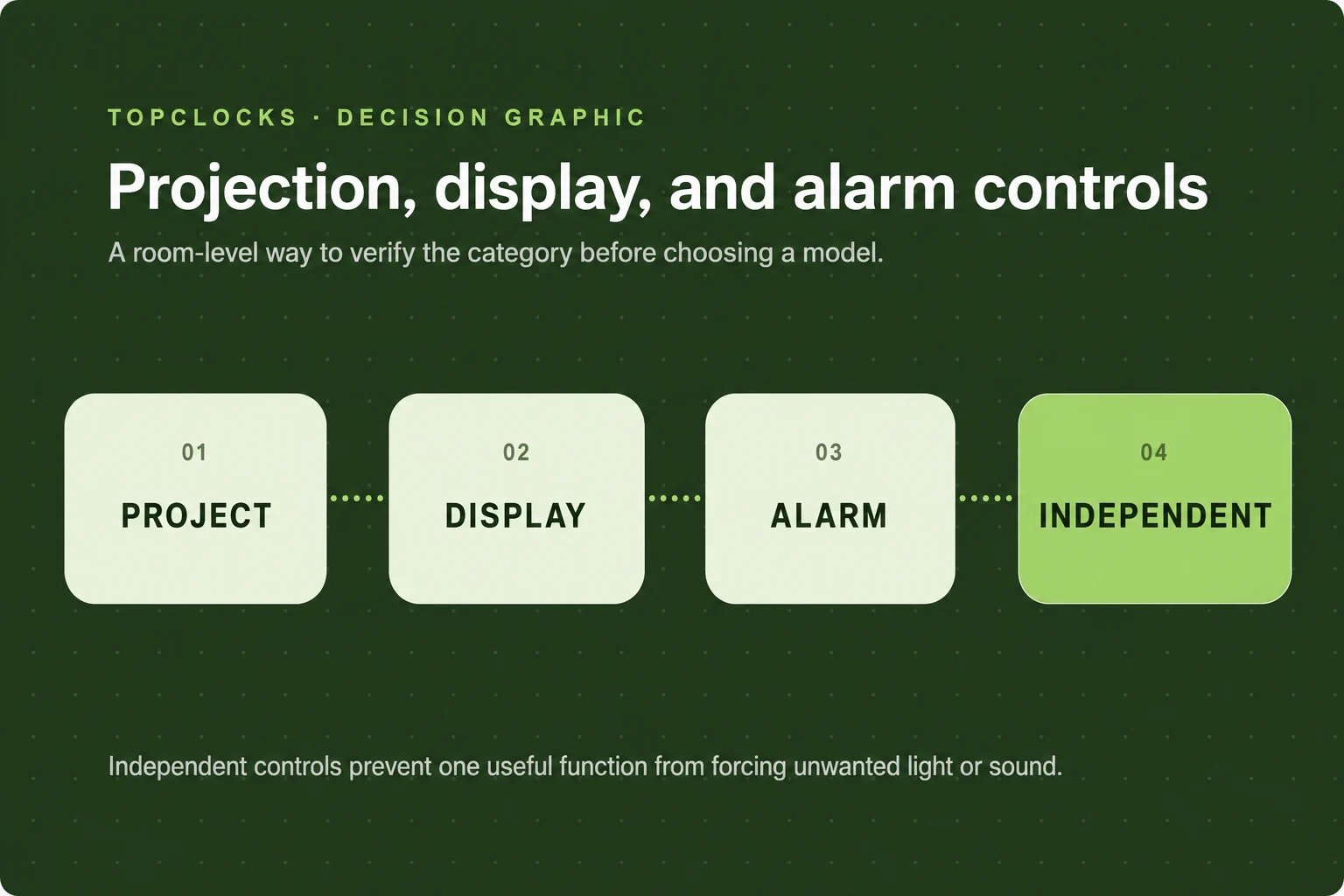
For occasional time checks, temporary projection may be sufficient. Braun documents ten seconds on battery activation; Sharp documents five seconds, including backup use. For continuous viewing, use the power arrangement specified by the model. On-demand and continuous projection serve different habits, and neither is automatically better for sleep.
Test the darkest complete state after the room is dark and the eyes have adjusted. Select the lowest readable projection level, then check whether a remaining indicator or charging light defeats the intended result. Confirm that snooze, a power interruption or a change of alarm mode does not leave an unexpected lighting state. The alarm should remain armed when projection is off.
If the lowest usable setting still bothers the intended viewer or partner, the correct result may be to turn projection off or choose another clock. This guide does not establish comparative light spill, medical sleep benefits or guaranteed readability without glasses.
Know what still works
Separate backup power, time setting and useful extras
Stored settings are not a working alarm
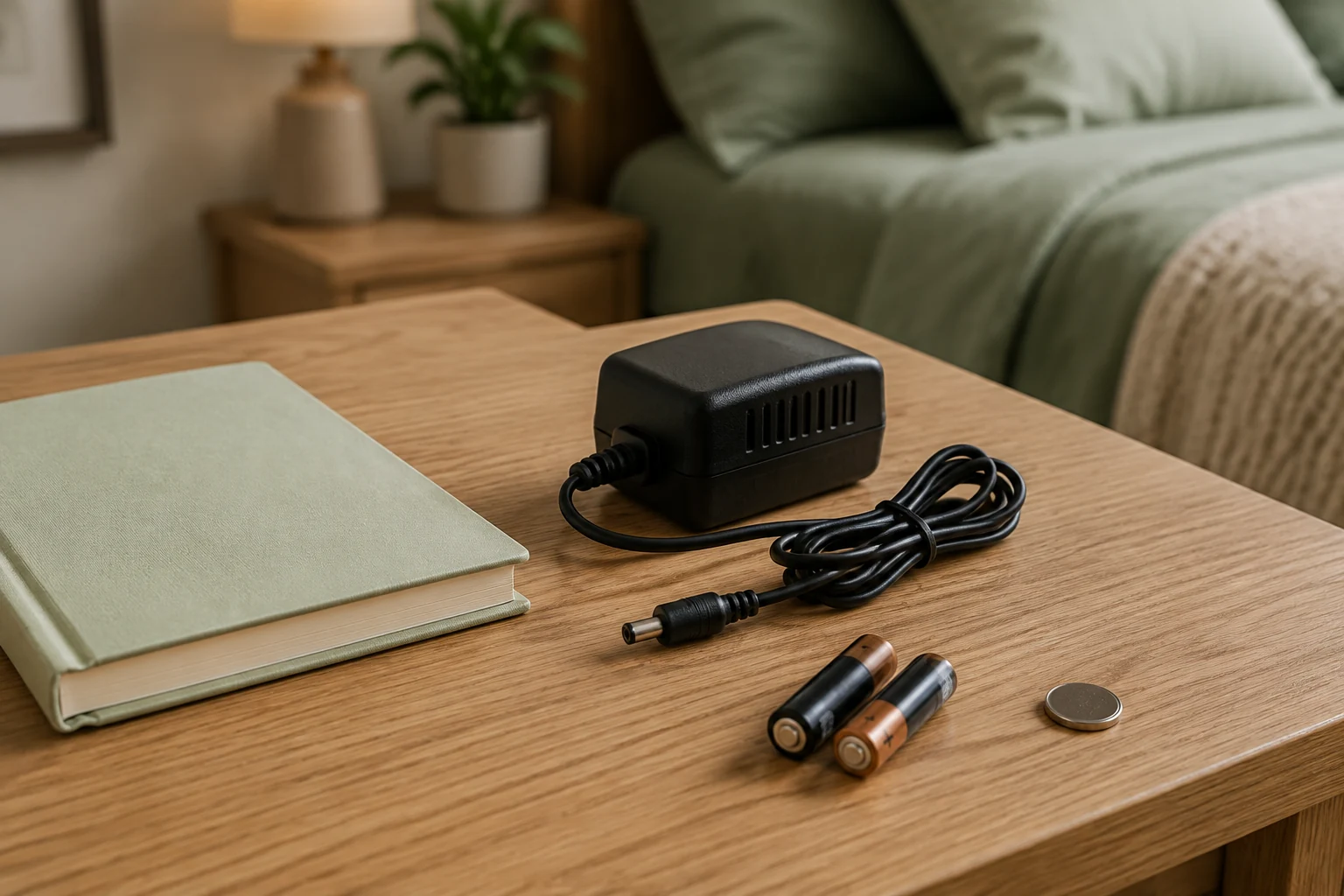
Read the power section as four questions: does the clock retain time, retain alarm settings, sound an alarm, and illuminate the display or projector? A battery label alone answers none of them completely. SC91's CR2032 preserves settings only. C82929v2 documents time/date retention. Neither should be credited with waking the user through a power cut.
Sharp and Wattz 2.0 provide more explicit but different backup descriptions. Sharp says its alarm sounds for one minute on backup and allows five-second projection with the LCD unlit. Wattz 2.0 says the backup alarm sounds while both display and projection are off. Braun documents battery-powered clock and alarm operation with ten-second viewing; that is not separate proof of seamless automatic switchover during an interruption.
EAAC601 needs an additional qualification. Magnasonic's current support article says its alarms sound during an outage, while the product specification lists “Sure Alarm: No” and the manual emphasizes retaining/restoring settings. The disagreement is not resolved here. Test the intended alarm with AC disconnected in daylight; do not assume a radio-to-buzzer fallback, duration or illuminated projection that the matched evidence does not establish.
Atomic, preset and internet time are different
La Crosse 616-41667V2 receives WWVB, the US radio time signal identified by its instructions. It also offers manual setup, seven North American time zones and a DST setting. Confirm the zone and reception state. A brief dark backlight while the clock searches for WWVB is described behavior, not by itself evidence of power failure.
EAAC601's SelfSet starts from factory-preset time with time-zone/DST configuration. It is not evidence of continuing WWVB or internet correction. C82929v2 can use internet time and weather in connected mode, which adds 2.4 GHz Wi-Fi and service dependencies. A wireless outdoor sensor on SC31B or SC91 sends environmental readings; it does not make the clock atomic. Do not borrow European DCF time-control features for the USA Braun BC15BUS.
A radio, sound library or charging port needs a separate check
EAAC601 can wake to AM/FM or buzzer, but its AUX input is for playback only. Sharp's soothing sounds can also serve as an alarm, with the important maximum-volume rule. A listening feature is not automatically an alarm source with the same settings.
Distinguish the input powering a clock from an output charging a phone. Wattz 2.0 offers a 10 W Qi-capable stand plus USB-A/USB-C charging with a stated 1 A maximum; this is not a promise of Qi2, MagSafe, modern phone fast charging or an included watch charger. Its outdoor sensor is optional. SC31B includes an outdoor sensor; extra sensor features still require correct placement, batteries and pairing rather than a weather icon alone.
For travel, pack the exact adapter and cable the model needs. Rehearse changing the time, setting the alarm, aiming the image and confirming its active state in the new room. If outlet independence is more important than projected time, a battery travel clock may be the more direct solution.
Before relying on it
Check the setup before an important morning
Use an ordinary room arrangement, not a special demonstration that the household will not maintain. Look for a mismatch while you can still move, reconfigure or return the clock. A successful check shows that the setup can work; it does not prove that the device will wake every user.

- Record the placement. Write the model/revision, target surface, clock-to-surface distance and normal viewing position. Note any fan, beam, furniture or texture that clips or breaks up the image.
- Learn the optical controls in daylight. Set aim, orientation and any documented focus adjustment. Then repeat the viewing check in darkness from the pillow, at the lowest readable level. Record whether the digits remain clear, upright and fully visible.
- Check all lighting states. Dim the LCD separately, inventory remaining indicators, and ask the other sleeper about their sightline. Confirm that projector-off does not disarm the alarm. Check what snooze does to the lighting state.
- Rehearse the alarm and power condition. Set a short alarm in daylight using the intended source and schedule. For battery/outage reliance, follow the manual and repeat with mains disconnected. Record sound, stored settings, LCD and projection separately; then restore power and recheck the active alarm.
A useful log records what happened, the conditions and the next check. Leave an unclear result unresolved until it can be checked again. Reject the setup if the image cannot land clearly, remains too bright, hides the active alarm state or disappears in a power state where it is needed.
Repeat after moving the clock, changing furniture, bedding, power, connected software or the alarm schedule. Check ordinary weekdays and weekends when they use different settings. Keep an independently tested backup for high-consequence mornings; projection itself is a viewing feature, not the wake-up signal.
Before you choose
Questions before choosing a projection clock
Which models have adjustable focus and a separate projector dimmer?
Mesqool CR1024, Dr.Prepare 005 and the BALDR B0367STHR Atomic version document both. Their other limits differ: CR1024 has day-scheduled dual alarms but no verified LED-off state; Dr.Prepare adds an outdoor sensor but no verified numerical throw interval; BALDR adds WWVB but only one daily alarm. None has a documented sounding outage alarm in the matched sources. Choose the combination you need, not just the focus feature.
Will the projection be readable in daylight?
The checked documents do not establish comparable daylight readability for this set. A bright product photograph is not a measurement of projected contrast. For daytime use, ask the manufacturer about your actual room light, surface and distance, and check the return terms. A daytime projector advertised elsewhere should not enter this alarm-clock comparison until its audible alarm function and exact model are verified.
Can it project all night without being plugged in?
No model in this guide has verified continuous battery projection. Braun and the current La Crosse 616-1412V4 manual describe ten-second activation; Sharp describes five seconds, including backup use. SC31B also permits brief activation. SC91, CR1024, Dr.Prepare 005 and the two BALDR models use settings-only backup. Choose mains-powered continuous projection or a documented temporary-viewing mode rather than assuming that “battery backup” means an illuminated ceiling throughout the night.
Can the bedside screen be off while the projector is on?
Several models document an LCD-off setting and separate projector controls, but the power mode still matters. SC91, Dr.Prepare 005, BALDR B0367STHR Atomic, 616-41667V2, Wattz 2.0 and C82929v2 also document projector brightness choices. CR1024 has separate dimming but no verified LED-off state. A screen-off option alone is not proof of a dimmable projector. Check the complete state on the exact model and confirm that the alarm stays armed; a charging or alarm indicator may still be visible.
Which is the better choice for a high or angled ceiling?
There is no universal ceiling-height winner in the checked documents. Measure the actual clock-to-surface path. EAAC601 has an adjustable focus wheel and approximate 3–9 ft manual guidance; Braun specifies 1–4 m; SC31B and SC91 specify 1–3 m. Aiming, orientation and surface still matter. A usable wall may suit the room better than forcing the image onto a difficult ceiling.
Why are the digits blurry, reversed or missing?
Check the documented power mode first, then the beam path, aim, image orientation and focus where adjustable. Use a suitable dark-room surface within the model's guidance. Do not force a focus adjustment on a fixed-focus unit. For 616-41667V2, the guide describes temporary backlight interruption during WWVB searching; BALDR warns of projection turning off during its radio search. If the symptom remains after the model's setup checks, consult support or return options instead of assuming more brightness will solve it.
Will a projection alarm wake someone during a power cut?
The projector does not answer that question. Sharp explicitly documents a one-minute sounding backup alarm; Wattz 2.0 documents backup sound with LCD and projection off. Braun describes battery alarm operation. EAAC601 has a support/specification conflict requiring an unplugged rehearsal. SC91, 616-41667V2 and C82929v2 should not be given an audible-outage guarantee from the checked evidence. Verify the exact alarm source before a critical morning.
Does an outdoor sensor make the clock atomic or Wi-Fi connected?
No. SC31B and SC91 use wireless outdoor readings while time is set manually. 616-41667V2 separately identifies WWVB time reception. C82929v2 can use internet time/weather in connected mode. Compare the time-setting method, sensor connection and internet dependence as separate features, and confirm that the supplied model is intended for the US market.
Is a projection clock a sunrise alarm or a sleep treatment?
Projection displays time or other documented information on a surface; a sunrise alarm changes room light before waking. One function does not establish the other. This guide evaluates viewing, controls and alarm behavior, not medical sleep outcomes. If nighttime light is unwelcome, projection-off or a non-projecting clock may suit the room better. Persistent difficulty waking or daytime impairment deserves advice from a qualified health professional.
Evidence trail
Sources and how this comparison was prepared
TOPCLOCKS distinguishes manufacturer specifications, support statements and editorial interpretation. The model comparison uses the dated source checks disclosed in the scoring evidence. It is desk research, not a claim of hands-on brightness, sound, runtime or wake-reliability testing. Unknown controls remain unknown, and conflicting official wording stays qualified beside the affected recommendation.
Recommendations follow the documented controls and operating limits. The TOPCLOCKS research-based fit scores are explained beside the comparison; they do not measure physical performance. Manufacturer offers are dated observations, not guarantees of stock, Amazon delivery, price or continued manufacture. Recheck the exact model, adapter, included sensor and merchant before buying. Existing full reviews and related guides provide further context without replacing the model's current manual. The reference-based model scenes are editorial illustrations, not photographs from hands-on testing.
- SMARTRO support and manual selector
- SC31B instructions
- SC91 instructions
- Braun USA BC15BUS offer
- standard non-DCF BC15 manual
- La Crosse 616-41667V2 product
- current v2 guide
- linked FAQ
- Wattz 2.0 616-1413R-10W product
- matched March 2025 guide
- Sharp SPC585 product
- official instructions
- Magnasonic EAAC601 product
- EAAC601/EAAC601W manual
- setup guide
- power-outage support statement
- La Crosse C82929v2 status
- manufacturer-linked v2 manual
- power/connection FAQ
- Mesqool CR1024 exact product
- Official US CR1024 manual
- Dr.Prepare 005 Clock + Sensor offer
- Matched Dr.Prepare 005 manual
- BALDR B0367STHR Atomic variant
- BALDR B0367STHR manual
- BALDR B3672STHR exact offer
- Manufacturer-linked CL3672 manual
- La Crosse 616-1412V4 product
- La Crosse V4 June 2024 manual
- Older V4 FAQ — revision differences disclosed
- Mesqool CR1024 — Exact-model documentation
- Dr.Prepare Projection Alarm Clock 005 — Projection placement and controls
- Dr.Prepare Projection Alarm Clock 005 — Exact-model documentation
- SMARTRO SC91 — Projection placement and controls
- SMARTRO SC91 — Projection placement and controls
- SMARTRO SC91 — Projection placement and controls
- BALDR B0367STHR Atomic — Projection placement and controls
- BALDR B0367STHR Atomic — Exact-model documentation
- BALDR B3672STHR — Projection placement and controls
- BALDR B3672STHR — Exact-model documentation
- SMARTRO SC31B — Projection placement and controls
- SMARTRO SC31B — Ownership friction